Greater China · one-to-one VIP demonstration

Making AI
Physical

Markforged FX10 Greater China Experience Day

The first industrial printer to run both metal and continuous-fibre composites. A VIP demonstration across Greater China, tailored to your parts by Markforged engineers.

Taiwan · China · Hong Kong · Vietnam
Flexible scheduling
One to one with our engineers
No charge
Request your VIP place →
1st
The first industrial printer for metal and composites
375mm
Build volume (width)
2 in 1
Composite and metal on one machine
VIP
One-to-one demonstration, limited places
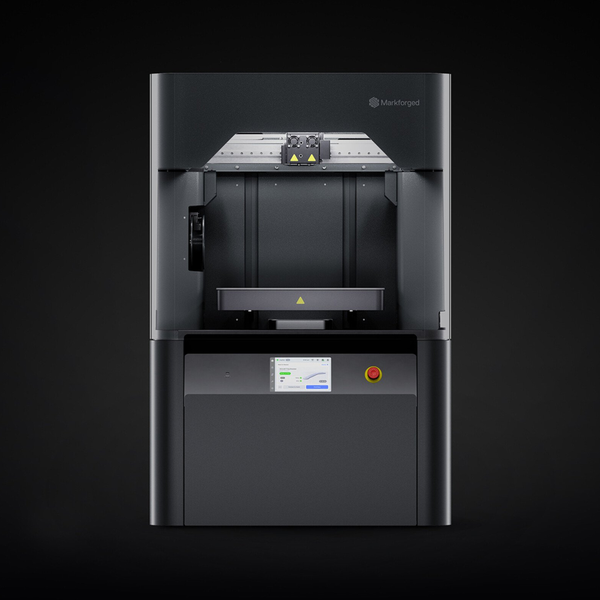
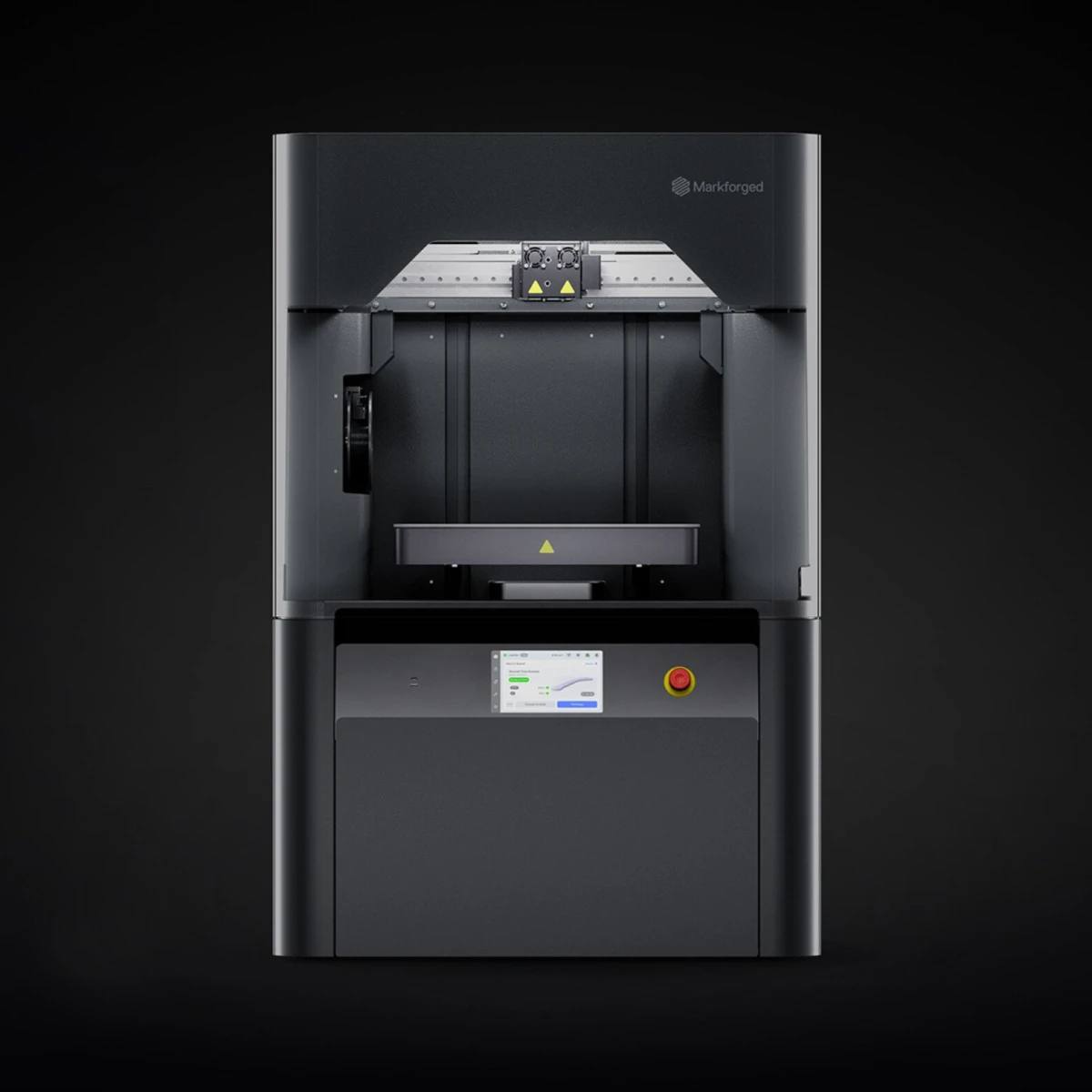
The Markforged FX10 industrial 3D printer
★ Featured
Featured

FX10 + Metal Kit

The FX10 is the first industrial machine to carry both continuous-fibre composite and metal printing. A modular design lets you switch material, and automatic calibration means no dedicated operator is required.

Build volume
375 × 300 × 300 mm
Process
FFF with continuous carbon fibre
Layer height
125 – 250 µm
Materials
Metal and composite
Calibration
Verified by optical sensor
Software
Eiger™ platform
Book a time to see it →

The problems on your floor,
answered by one machine

No more waiting on an outside shop, no more multi-week lead times, no more pain over low-volume parts.

Lead time cut

From design to finished part in as little as a day, against the four to eight weeks an outside shop takes.

Lower tooling and inventory cost

Low-volume and varied parts need no tooling. Produce on demand and hold less stock.

Metal and composite on one machine

The only industrial machine that switches between metal and continuous-fibre composite. One machine, two material routes.

Built for the factory floor

A precision aluminium bed, dimensional accuracy verified by optical sensor, and automatic calibration; no dedicated operator needed.

Managed in Eiger

Monitor, manage and queue prints from anywhere. Eiger lets several sites run under one system.

Fast payback

Start with jigs, fixtures and spares made in house, recover the investment, then extend into end-use parts.

From design to finished part

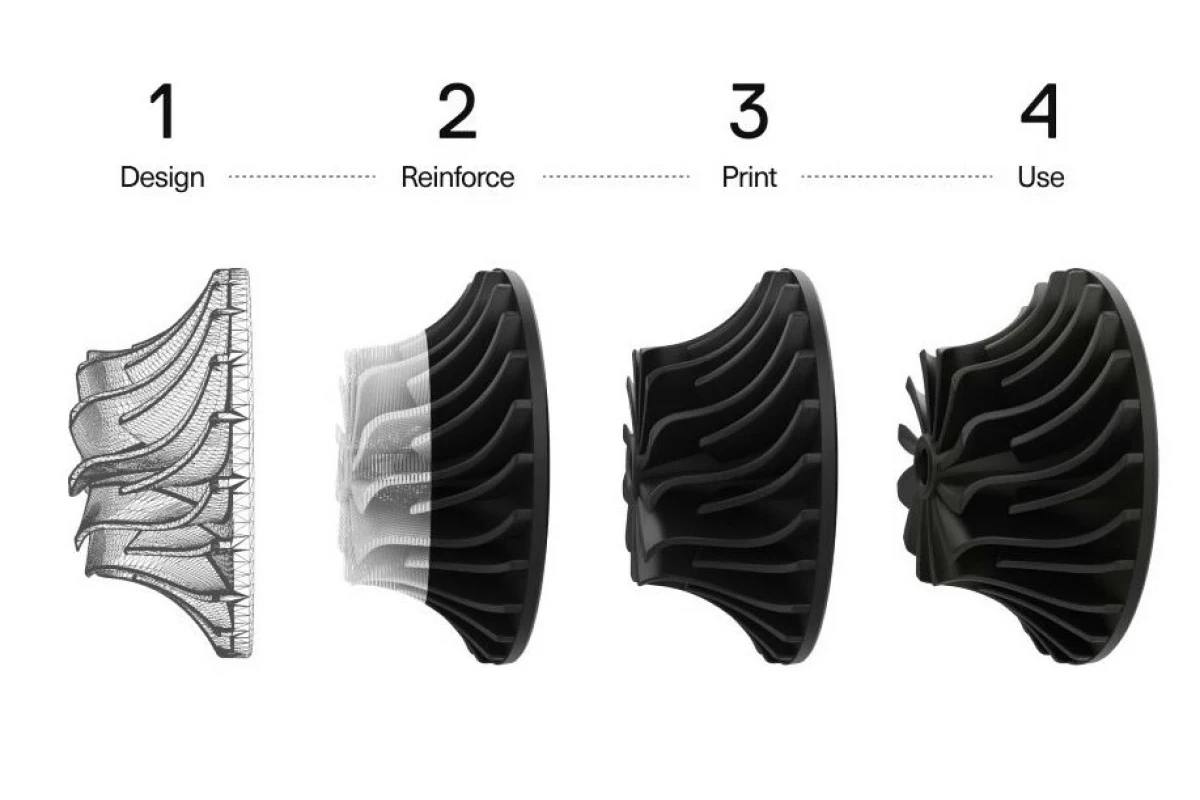
The Markforged composite printing process
Composite printing

Design → reinforce → print → use

Continuous carbon fibre brings printed parts close to metal in strength. Four steps, finished the same day.

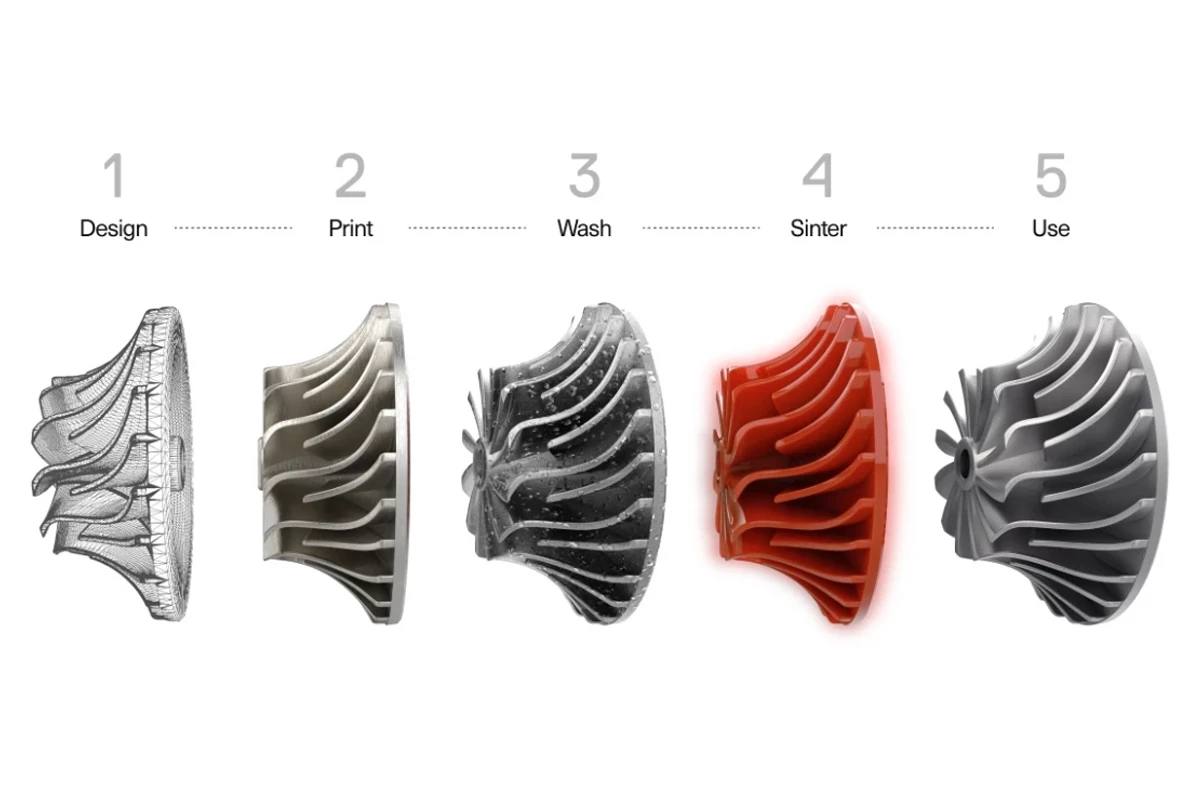
The Markforged metal printing process
Metal printing

Design → print → wash → sinter → use

A metal process safe enough for an office environment, with no conventional machining required.

Pricewas never
the problem

Every outsourced job you stop paying for, and every day of waiting you remove, is competitive ground you keep. Come and see it in person.

Book the VIP session →

A machine for each stage

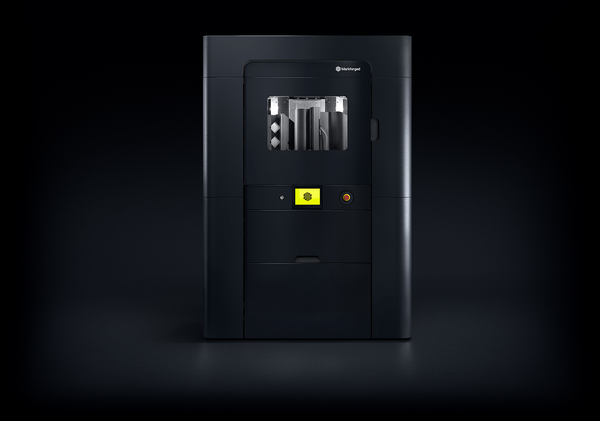
Markforged FX20
Large format
FX20
A large build volume for big industrial parts, with continuous carbon fibre for strength close to aluminium.
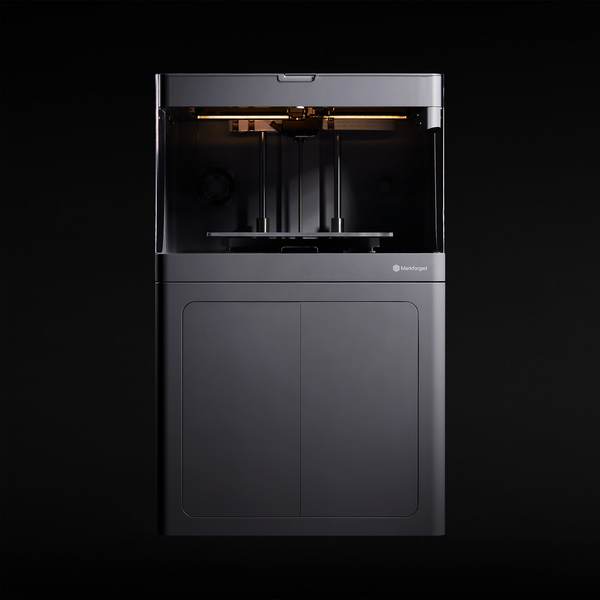
Markforged X7
Field and production line
X7 · X7 Field Edition
The core continuous-carbon-fibre composite platform. The X7 Field Edition ships in a ruggedised case and prints on site where resources are limited.

Your own
VIP experience day

1

Send the form

Tell us what you make, so the demonstration is prepared around your parts.

2

We confirm

We come back to you within three working days with a time and a place.

3

One-to-one demonstration

Markforged engineers work through the applications that matter in your industry.

4

Handle the parts

Pick up metal and composite parts and compare them against conventionally made ones.

5

A plan built for you

A recommendation and quotation shaped to your requirement, at your pace.

The Markforged FX10, isometric view
Taiwan · China · Hong Kong · Vietnam

Scheduled around you

Add Markforged on LINE

Scan the QR code below to add Markforged on LINE,
for product information, technical support and event notices.

Markforged LINE QR Code

@markforged

Request a VIP place

Fill in the form below and we will come back to you within three working days.

Give us your details and requirement, and our engineers will arrange a one-to-one session.
Places are limited.

Open the VIP application form

The form opens in a new tab